VRChat avatar studio · Windows

Custom VRChat avatars.
Without ever opening Unity.

Layman's Avatar Studio turns the Unity grind into a character creator. Drop in the outfits and hair you bought, tweak with sliders, and upload straight to VRChat.

Early access at launch. One email when it is ready, no spam.

Built on the tools creators already trust: VRCFury, Modular Avatar, PhysBones, and the official VRChat SDK.

How it works

Five steps from store page to VRChat.

The same path every time. LAS handles the technical parts so you can stay on the creative ones.

01

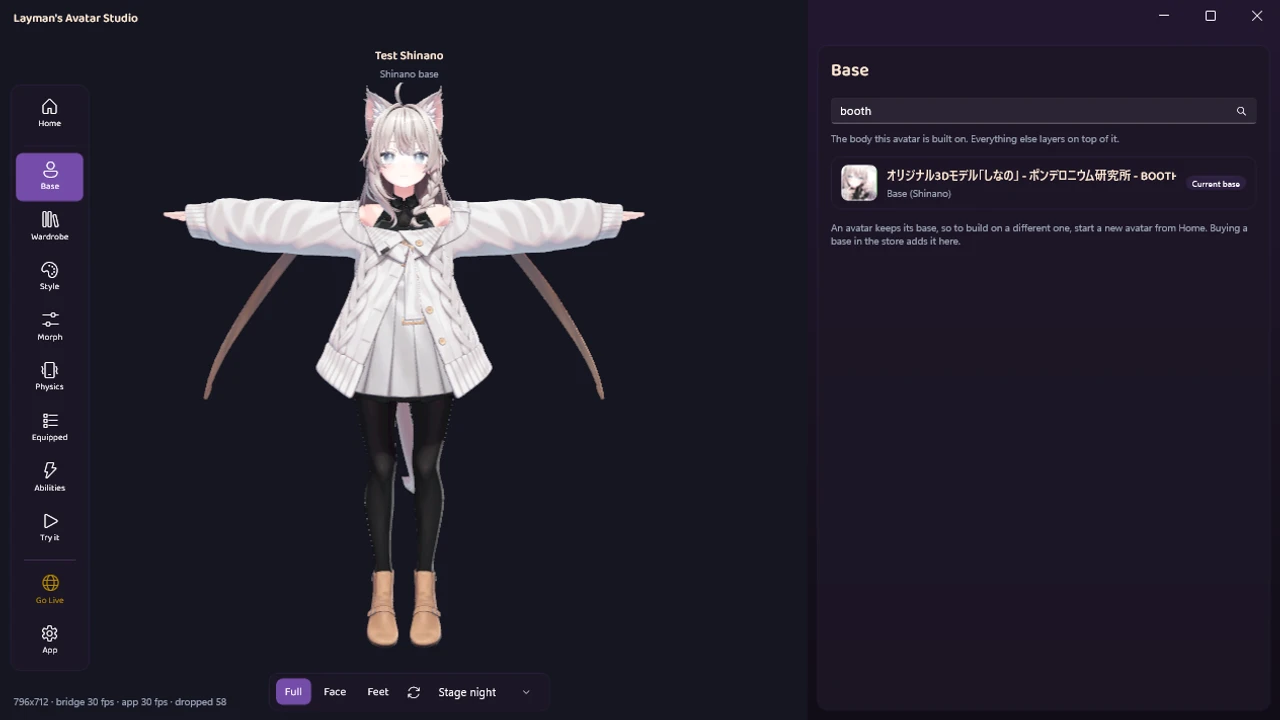
Pick a base

Start from an avatar you own. LAS checks your setup and gets Unity ready in the background so you never have to.

02

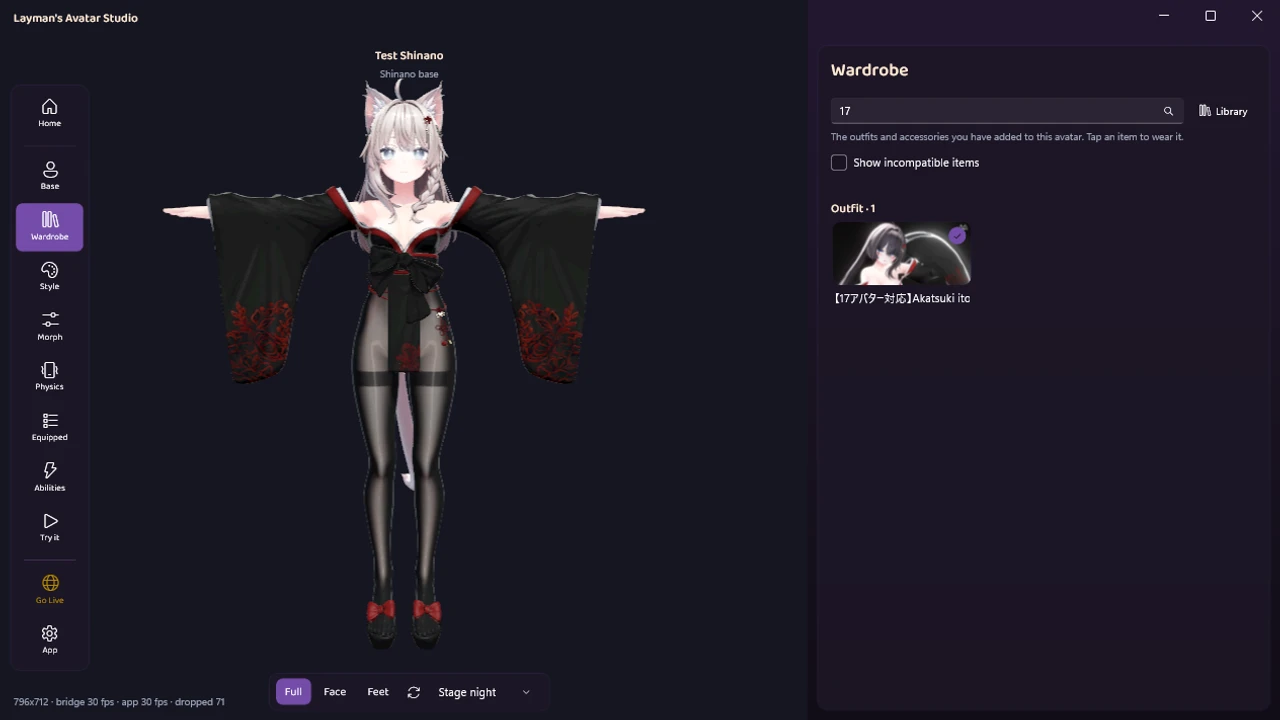
Bring your assets

Browse Booth and Jinxxy inside the app, or drop in files you already downloaded. LAS sorts out what is a prefab, a texture, or a material for you.

03

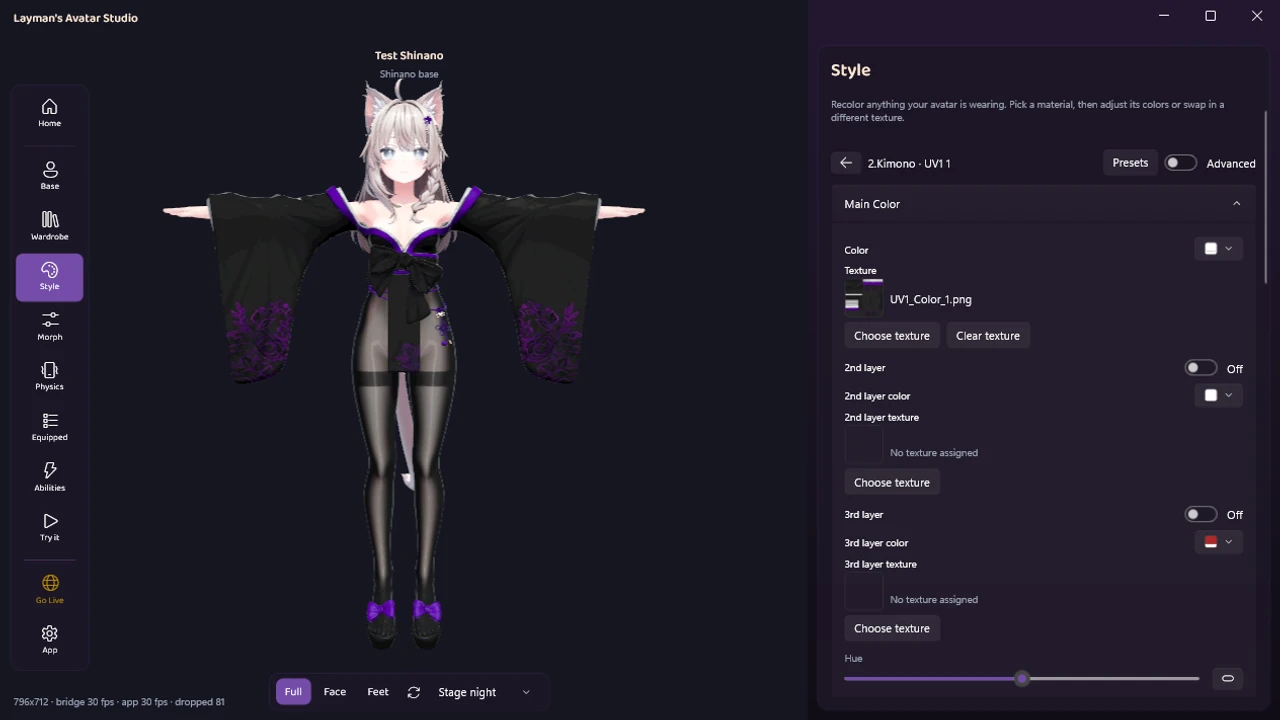
Customize

Adjust height, hair, outfits, colors, and toggles from a simple menu. No Inspector, no scripts, no broken avatars.

04

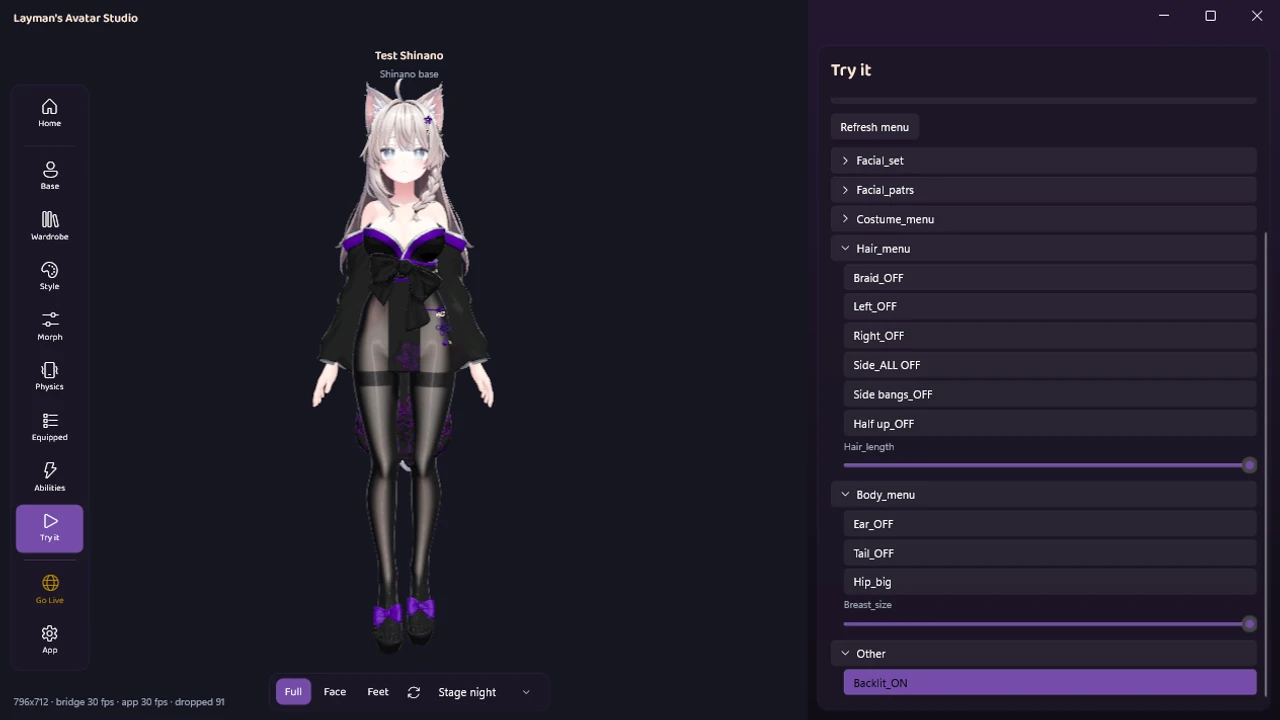
Test it

See your avatar live in the built-in viewport and check that everything works before you commit.

05

Upload to VRChat

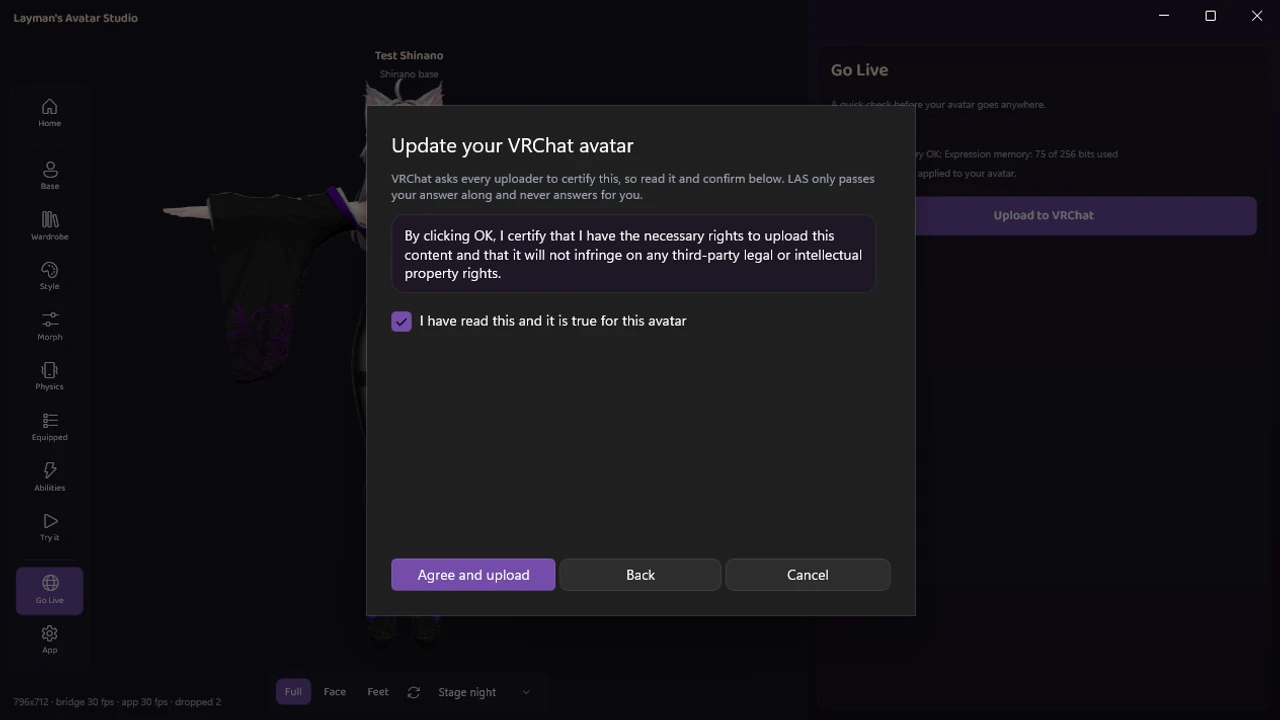
One click sends it through the official VRChat SDK. You sign in to your own account and stay in control.

What it does

The hard parts, handled.

Everything that usually means a tutorial, a forum thread, or a broken avatar is built in.

One-click component setup

VRCFury, Modular Avatar, and PhysBones wired up correctly, every time, without touching a single setting.

Smart asset analysis

Unstructured downloads get sorted automatically into prefabs, meshes, materials, and textures.

Integrated Unity viewport

The Scene, Game, and SDK windows live inside LAS. The messy Unity editor stays out of your way.

In-app store browser

Shop Booth and Jinxxy without leaving the app, then set up what you buy in a couple of clicks.

Automatic setup

Missing SDKs, shaders, and dependencies install themselves. No hunting through forum threads.

Upload-ready avatars

PhysBones, textures, and performance are handled so your avatar passes VRChat’s checks the first time.

Pricing

Simple plans. Free is a real tier, not a trial.

Free

Everything you need to make your first avatars.

$0

No account needed

  • Up to 5 avatars
  • Full customizer and asset setup
  • Uploads through the VRChat SDK
Join the waitlist

Commercial

For creators who make avatars for other people.

$199.99 / year

$16.67 / mo, billed yearly

  • Everything in Pro
  • License to deliver avatars to others
  • For commissions and paid work
Join the waitlist

Prices in USD. You will be able to start on Free and upgrade any time.

Closed beta

Be first in line.

Join the waitlist and we will send you one email the moment Layman's Avatar Studio opens up. That is it.

Questions

Good to know.

Do I need to know Unity?

No. LAS drives Unity for you in the background, and most people never open it. If you already know Unity, you can still use LAS just for the speed.

Is this allowed by VRChat?

Yes. Uploads go through the official VRChat SDK and you sign in to your own account. LAS never handles your VRChat password or bypasses the SDK.

What assets can I use?

Anything you own from stores like Booth and Jinxxy, plus files you already have on your PC. LAS helps you assemble what you bought, it does not resell assets.

What do I need to run it?

A Windows PC. LAS installs the rest for you, including the correct Unity version and the VRChat SDK.

When can I get it?

We are finishing a closed beta now. Join the waitlist and we will email you the moment it opens, once each.